
Your needs, this model
Does it fit your priorities?
Which MacBook Pro generations does the BookArc Pro selection name?
The manufacturer lists F for the 16-inch USB-C MacBook Pro (2019-2020, A2141), G for the 16-inch Pro M1 (2021, A2485) and M2 (2023, A2780), and H for selected 13- and 14-inch models. Its page identifies the exact model numbers; check those rather than relying only on the words MacBook Pro or on screen size.
Explore this need in the finder →Is the BookArc for MacBook Pro an adjustable open-screen riser?
No. It supports a closed laptop upright on a desk so the workstation can use a separate display and input devices. The stand is listed at a fixed 2.2-inch height; the model page does not document open-screen support, height adjustment, folding for travel or a rotating base.
Explore this need in the finder →Do I need to remove a hard case before using the Pro package?
Twelve South does not recommend using BookArc with a shell or case. Added thickness or edge shape can make the computer lean, make removal harder or shift the silicone insert. Confirm the bare chassis and exact insert before buying; do not force a close fit or swap a pad from another MacBook generation.
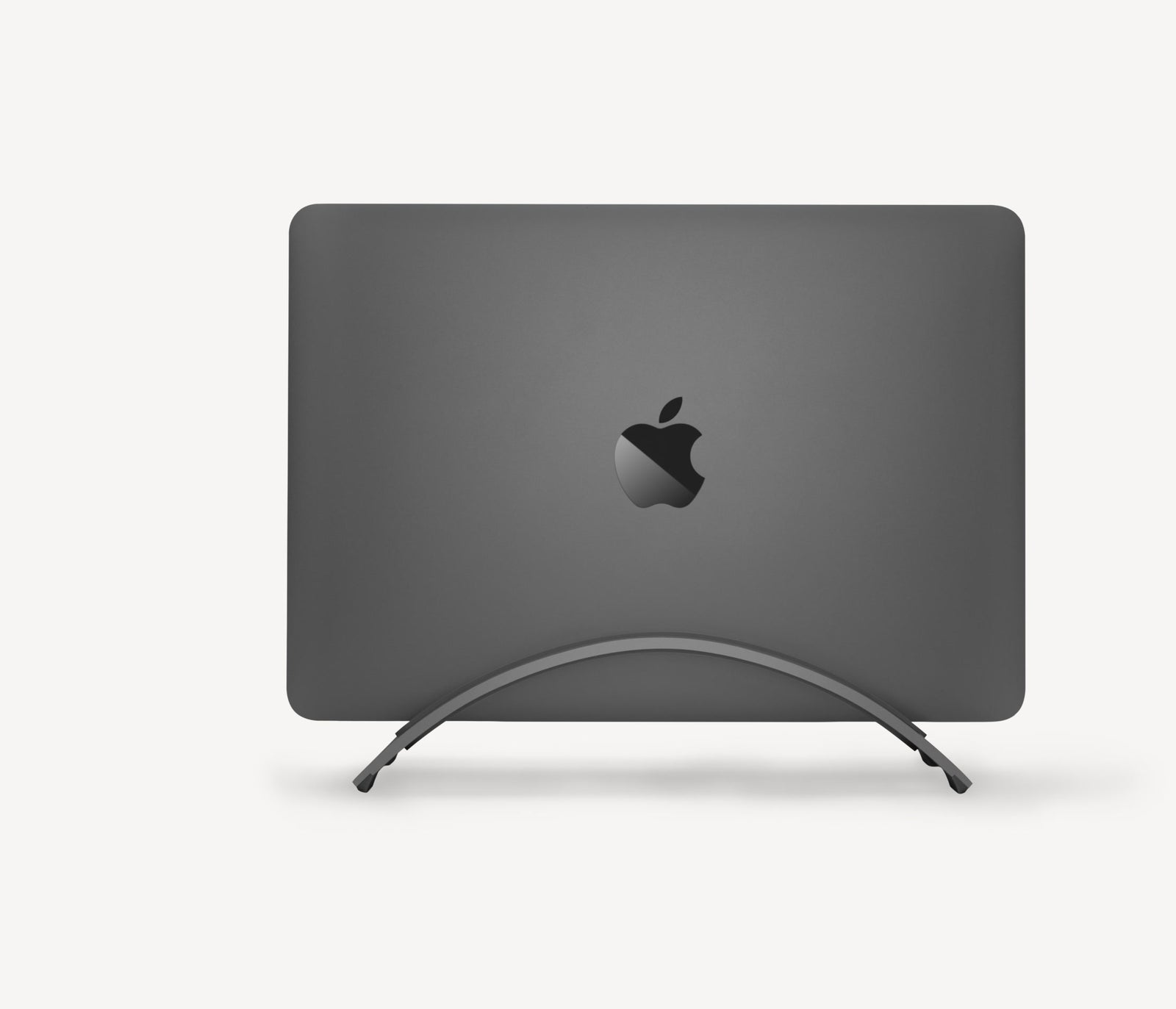
Explore this need in the finder →The BookArc for MacBook Pro is the Pro-selected package of Twelve South's insert-based vertical stand. It holds a closed MacBook upright on a desk so a separate display, keyboard and mouse can form the working setup. The product page's “Pro” label is not a compatibility rule by itself: the listed inserts cover selected MacBook Pro generations and also name some Air models. The useful question is whether the exact computer is matched to one of those specific inserts.
What this package includes—and what it does not
Twelve South's current product details list inserts F, G and H in the BookArc package. The manufacturer maps F to a 16-inch USB-C MacBook Pro from 2019–2020 (A2141), G to the 16-inch M1 (2021, A2485) and 16-inch M2 (2023, A2780), and H to selected 13- and 14-inch MacBook Pro models. It names the 13-inch 2020/M2 models (A2338), 14-inch M1 2021 (A2442), and 14-inch M2 2023 (A2779). The listing also names the 13-inch Air Retina 2020 and M1 Air under F. That cross-compatibility is why a Pro label should not be read as a full list of every machine that could fit.
The current product page says Insert I is not in the box, then says it will be added to the cart when the Air option is selected. That makes the Air package materially different for 13- and 15-inch M2/M3 Air models (A2681 and A2941). The Pro option's page and embedded product data identify SKU 12-2005, as does the Air page, although the two pages have different product records and variant IDs. Check the package selector and the actual insert list in the offer; the shared code alone does not tell you which MacBook fit pieces are being supplied.
Plan the desk as a closed-computer workstation
BookArc is not an open-laptop riser. The manufacturer presents it for a MacBook stored vertically with its lid closed, leaving the screen and built-in keyboard unavailable while the laptop is docked. A monitor and separate input devices need their own places, and cables need enough slack to connect without pushing the computer against a wall or display stand. The current product specification lists a 2.20-inch height, 3.60-inch width and 8.46-inch length, with a listed 0.35-pound stand weight. These dimensions can help check the small base footprint, but do not guarantee the computer's width, ports, case or insert will fit your desk or chassis.
The insert is a silicone fit part held in the metal stand; the product page describes it as securing the MacBook in place. The model is not documented to fold for transport, change height or angle, swivel, or support a laptop on a lap. If you need to keep the laptop open or carry one small stand between locations, compare an open riser or a genuinely folding option rather than treating the vertical holder as a more compact version of those designs. For a non-insert configuration, the separate BookArc Flex uses movable arcs; it has its own thickness and screen-size wording and should not inherit this model's Apple insert chart.
Match model numbers and insert letters
Use the manufacturer's model identifiers, not just screen diagonal or the product-family name. The support page distinguishes the current 2015-and-later BookArc and its lettered fit inserts from older numbered BookArc versions, the old Air-specific 1A insert, and the wooden BookArc möd. It explicitly says current lettered replacements are not compatible with the pre-2015 versions and that those discontinued old-version inserts are no longer available. A box of lettered F/G/H inserts is therefore not proof that a vintage stand with a numbered pad can be updated, or that a new insert will fit a different generation.
Cases and shells create another hard fit question. Twelve South does not recommend using the stand with one: extra thickness or an edge shape can cause leaning, difficult removal, or insert movement. The support center publishes thickness figures for individual insert letters but warns that even a few millimeters can prevent a fit. Those insert measurements are not a substitute for the laptop model list, and this review does not infer a compatibility range for unlisted hardware.
Clearance terms need item-specific confirmation
The current product page labels the product as clearance/final sale and says it is not eligible for return or warranty replacement. The same page contains general copy about a 30-day return period and a two-year warranty for some purchases. Those statements conflict for this specific clearance offer, so confirm the actual listing and order terms before deciding. No live price, stock, return entitlement, or warranty coverage is asserted here.
Who should choose the Pro-selected page
This package merits a closer look if your exact computer is listed for F, G or H, you want a fixed closed-laptop arrangement at a desk, and you have room for an external monitor plus separate input devices. It does not qualify as a recommendation for every MacBook Pro simply because “Pro” appears in its name, and the Air-selected option has the documented addition of Insert I. Read the maker's model list, check the inserted piece, remove any shell the maker warns against, and verify the clearance terms. This is a source-based assessment of published material, not a hands-on installation, fit, stability or durability test.
Key specifications
Key details at a glance
| Stand width | 3.6 in |
|---|---|
| Overall stand height | 2.2 in |
| Main material | Aluminum stand with a silicone fit insert |
| Height-adjustable | No |
| Folds for storage | No |
| Swivel base | No |
| Rubber fit adapters included | Yes |
| Designed for a closed-laptop / external-display desk setup | Yes |
| Supported placement | desk |
Use the exact model’s instructions for operating limits, supplied equipment and version differences.
Sources for this review
Sources for this assessment
Compare the setup, not just the silhouette
Use the finder to compare reviewed stands against the way you work and the features you actually need.